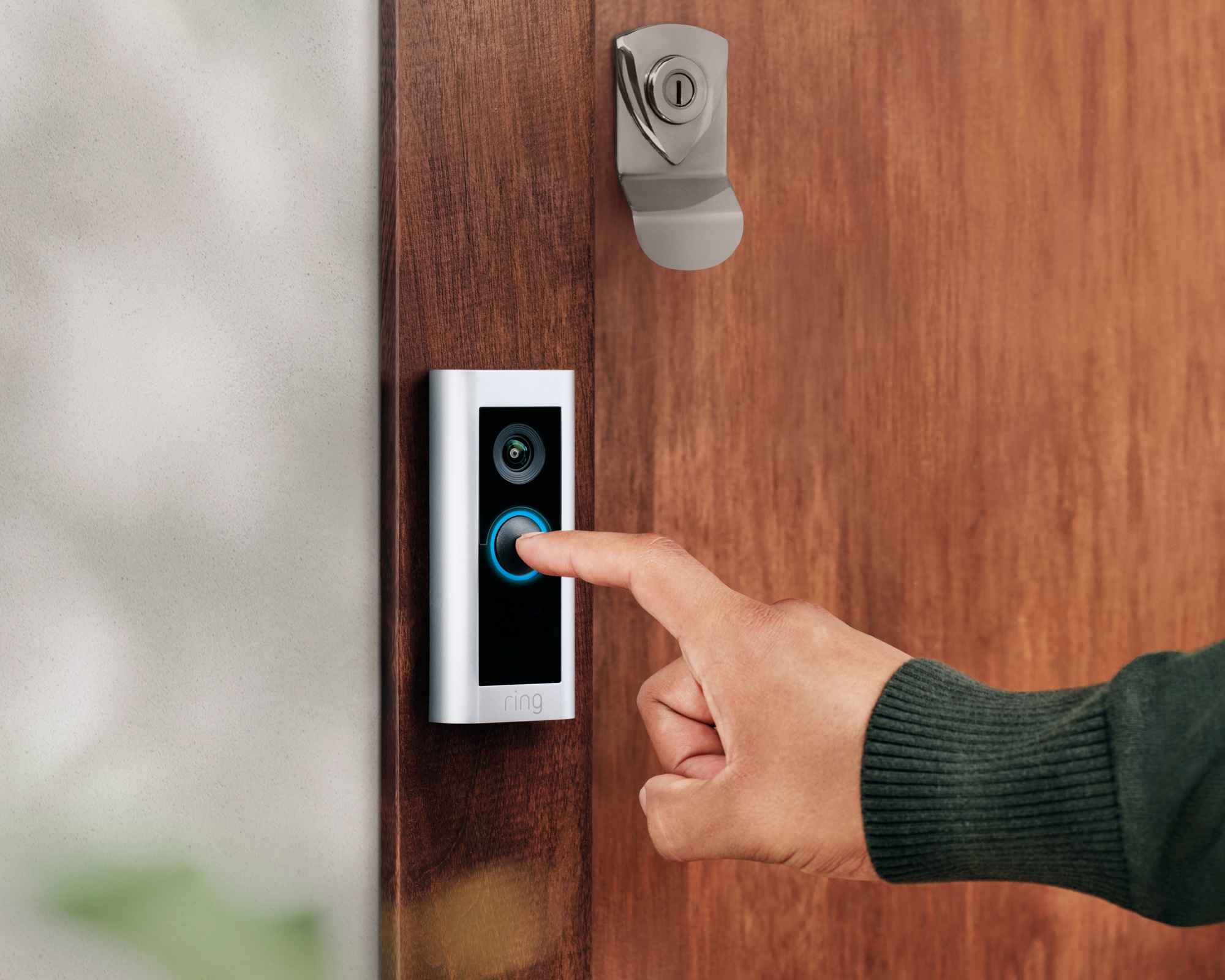
Smart homes are brilliant when they work quietly in the background. Your camera shows who is at the door, your smart lock saves a lost-key panic, and your Wi-Fi keeps everything connected. But every connected device also becomes a small doorway into your home network.
That sounds dramatic, but it does not have to be scary. Most smart home security comes down to simple habits: better passwords, cleaner settings, regular updates, and knowing which devices deserve extra attention.
Let’s walk through it like a practical home checkup, not a cyber lecture.
Start With Your Wi-Fi Router
Your router is the front gate for every smart camera, doorbell, lock, speaker, plug, and laptop in the house. If that gate is weak, the individual device settings matter less. The FTC recommends using WPA3 or WPA2 encryption, changing default router settings, updating router software, and turning off features like remote management, WPS, and UPnP when they are not needed.
Start by changing the router admin password, not just the Wi-Fi password. Then check whether firmware updates are automatic.
Rename the network so it does not reveal your surname, address, or router model. This is not paranoia. It is just removing easy clues from people and tools that scan for weak networks.
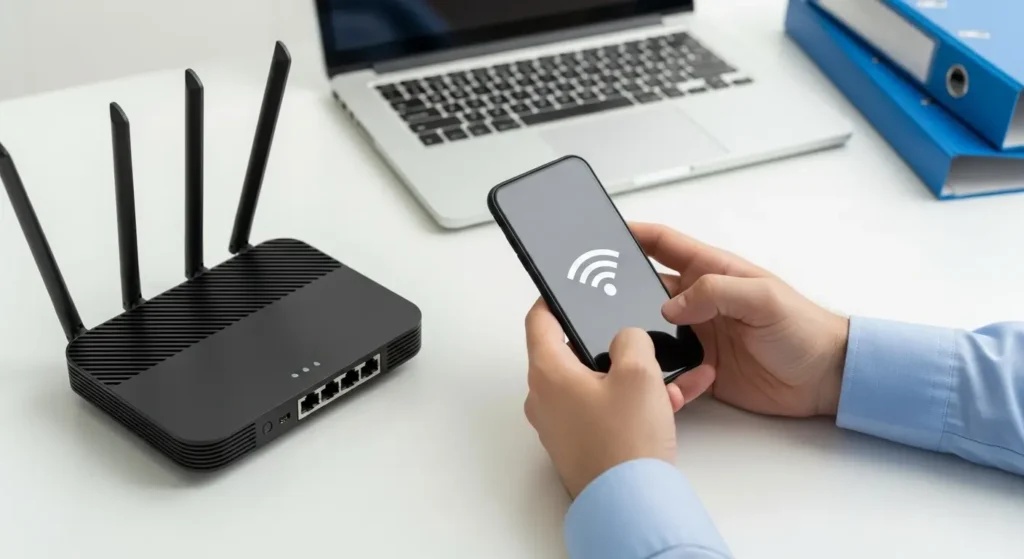
Think Like a Small Security Team
Businesses protect connected systems by making sure tools work together, alerts are handled consistently, and repeated tasks are not left to memory. At home, you can borrow that mindset without buying enterprise software.
Larger organizations often compare SOAR providers because SOAR platforms help security teams coordinate tools, automate routine workflows, and respond to incidents faster.
Your home version is simpler: keep a list of devices, know which app controls each one, remove old users, and decide what you would do if something looked wrong. If a doorbell starts logging strange activity or a camera behaves oddly, you should already know which password to change, which device to unplug, and which app to check first.
Lock Down Cameras and Video Doorbells
Smart cameras and video doorbells are some of the most sensitive devices in a home because they collect visual, audio, motion, and location-related information.
The UK National Cyber Security Centre advises checking default settings, changing default passwords, using strong passwords, and updating smart devices when updates are available.
Give these devices less access than they ask for. Turn off audio recording if you do not need it. Avoid pointing indoor cameras at bedrooms, computer screens, or keypads. Review who can view footage, especially if you previously shared access with relatives, contractors, or tenants.
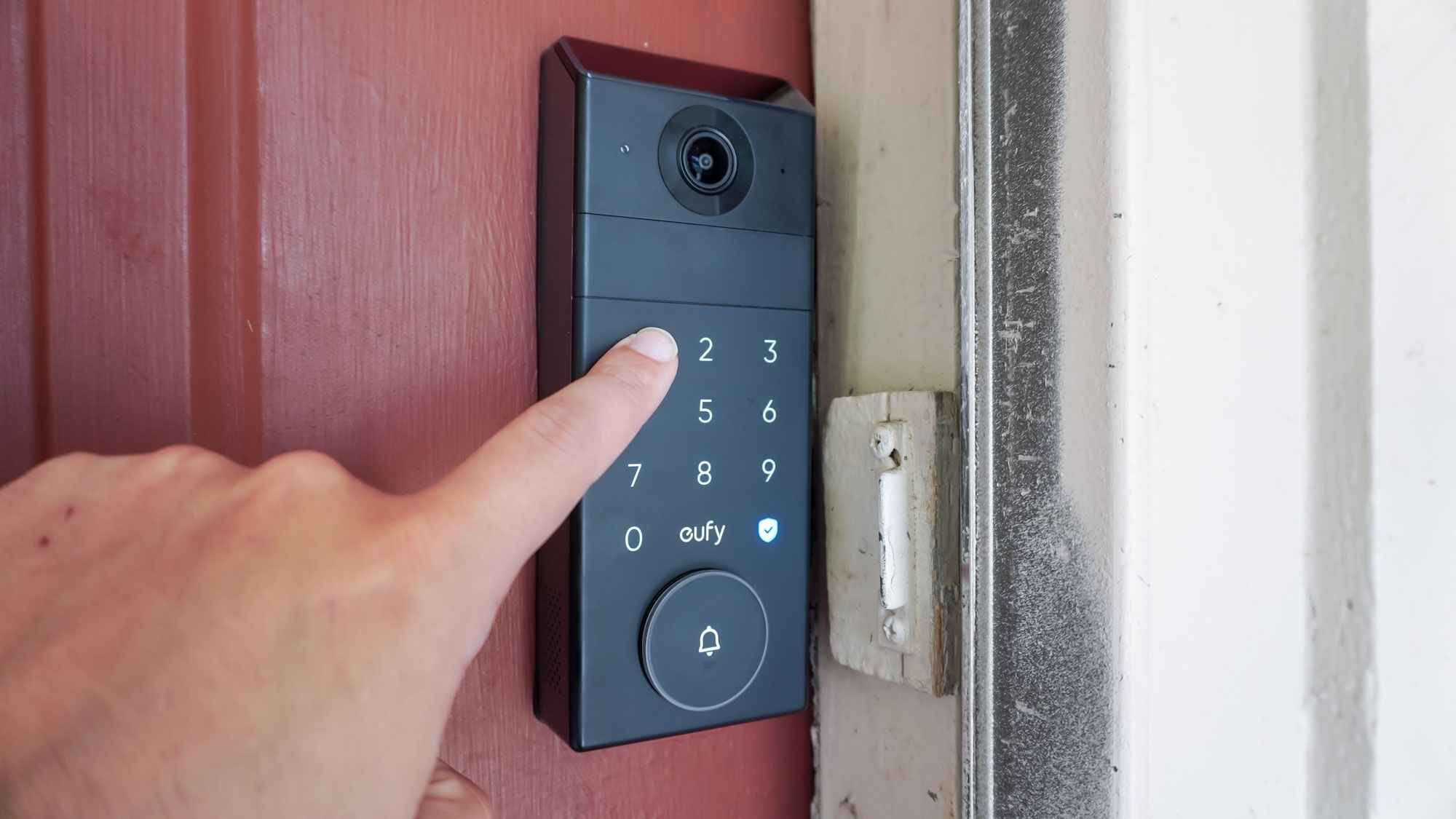
A quick camera privacy check should include:
- Two-factor authentication on the camera account
- Shorter cloud storage retention where available
- Motion zones that avoid neighbors’ property
- App permissions limited to what the device truly needs
Small changes make the device less invasive and less risky.
Treat Smart Locks Like Real Keys
A smart lock is convenient, but it is still a lock. That means access should be personal, trackable, and easy to revoke. Do not share one code with everyone. Give each person a unique code, then remove it when that person no longer needs entry. This matters for guests, cleaners, dog walkers, contractors, and former roommates.
CISA warns that some internet-connected devices ship with default passwords, and those passwords can be easy to find online. That advice applies strongly to locks and lock apps. Use a unique password for the account, enable two-factor authentication, and avoid unlocking by voice unless the system requires a secure PIN.
Important rule: a smart lock should make access easier to manage, not easier to guess.
Also keep the backup key safe, but not under the doormat, flowerpot, or anything equally obvious.
Put Smart Devices on Their Own Network
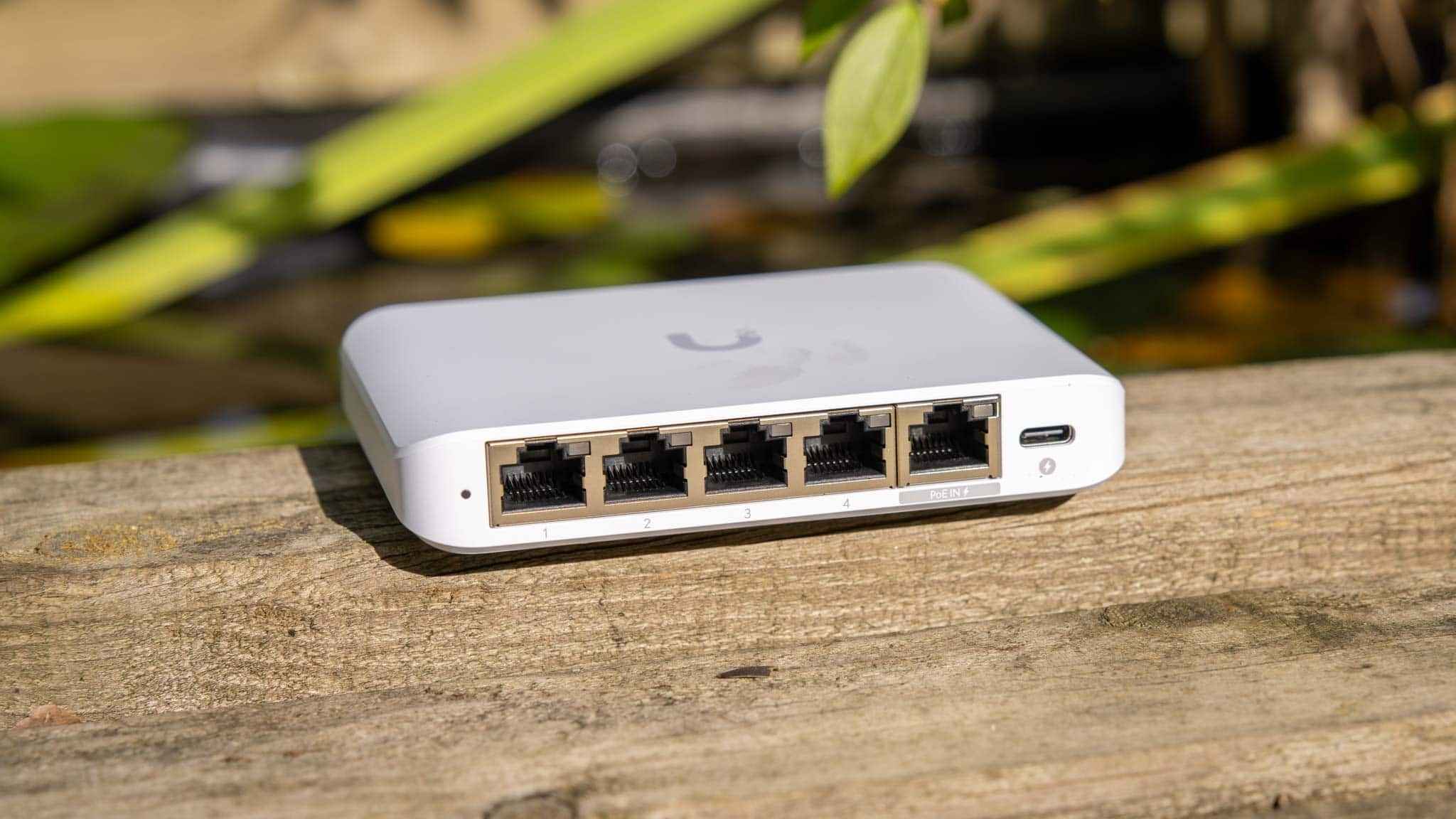
Network separation sounds technical, but the idea is very normal. You would not store passports, tools, cleaning supplies, and snacks in one drawer. Your network can work the same way.
Put personal laptops and phones on the main network, visitors on a guest network, and smart home devices on a separate IoT or guest network if your router supports it.
| Device type | Better network choice |
| Laptops and phones | Main network |
| Cameras and doorbells | IoT or guest network |
| Smart plugs and bulbs | IoT or guest network |
| Visitors’ devices | Guest network |
The FTC specifically recommends setting up a guest network to separate guest devices from the main home network. After moving devices, test live video, alerts, smart lock controls, and automations. Some devices are picky during setup, but many work fine once connected.
Buy Devices That Will Still Be Secure Later
The cheapest smart device is not always the cheapest in the long run. If the brand stops providing updates, that bargain camera can become the weak link in your home.
NIST’s Cybersecurity for IoT program focuses on standards and tools that improve the security of connected products and IoT systems. The FCC’s U.S. Cyber Trust Mark program is also designed to help consumers identify qualifying smart products that meet cybersecurity standards.
Before buying, check whether the manufacturer clearly explains security updates, account protection, encryption, and support lifespan.
A 2022 systematic literature review by David Buil-Gil, Steven Kemp, Stefanie Kuenzel, Lynne Coventry, Sameh Zakhary, Daniel Tilley, and James Nicholson, published on arXiv, reviewed 63 studies from January 2011 to October 2021 and found that smart homes can create risks around confidentiality, authentication, unauthorized control, and privacy intrusion.
Clean Up Accounts Before They Become a Problem
Most people think about the device on the wall, but the real control center is usually the app account. Use a password manager and create a unique password for every smart account. Your camera password should not match your email password. Your smart lock account should not reuse an old shopping password from years ago.
Every few months, do a five-minute cleanup. Remove old phones from trusted devices. Delete users who no longer need access. Check whether firmware updates installed properly. Uninstall apps for devices you no longer own. Factory reset products before selling, recycling, or giving them away.
This is also the right time to ask a blunt question: do you still need every connected device? If an old camera, plug, or hub no longer receives updates, retire it from important jobs.
Final Thoughts
Protecting smart cameras, doorbells, locks, and Wi-Fi devices is not about turning your home into a security bunker. It is about being intentional.
Secure the router first, separate smart devices where possible, use unique passwords, update regularly, and buy from companies that treat security as part of the product. The best smart home is not only convenient.
It is controlled, maintained, and easy to recover when something goes wrong. Once these habits are in place, your devices can do what they were meant to do: make daily life easier without quietly creating unnecessary risk.
FAQs
Here are a few extra questions that usually come up once people start checking their smart home setup.
1. Should I use the same app account for every family member?
No. Use separate user profiles when the app allows it. That makes it easier to remove access later without changing every password or code.
2. Are cheap smart cameras unsafe?
Not always, but they need extra checking. Look for update support, two-factor authentication, clear privacy controls, and a recognizable manufacturer with public security information.
3. Should smart locks work without Wi-Fi?
Some can use Bluetooth, keypad codes, or local access when Wi-Fi is down. That is useful because a lock should not become useless during an internet outage.
4. How often should I review smart home security settings?
A quick review every two or three months is enough for most homes. Also check settings after buying a new device, changing routers, moving home, or sharing access with someone new.